Add videos and photos.
Bring travel videos and photos into one project. Tap or sweep to select your source media.
 Roamovie
 is an automatic travel video maker. From a trip full of videos and photos, it selects scenes and edits them into one movie.
Don't edit it.
Relive it.
Free on Android: up to 720p · 30fps, with a Roamovie watermark. No movie count limit.
The iPhone version is coming soon. Your first movie, step by step ↓ · Full guide →
Bring travel videos and photos into one project. Tap or sweep to select your source media.
Choose hours, minutes and seconds within your sources’ total length. Roamovie reviews your sources, reduces similar scenes and suggests a recommended length you can apply with a tap.
Roamovie analyzes your videos and photos, selects scenes and automatically edits them into one movie in capture order.
Start with the included music or preview and choose your own mix. Add several songs and arrange their order. Choose landscape or portrait, and your output quality. Find your video taste with distinct questions and let it shape how scenes are arranged. You can retake it anytime in Settings. How much it changes a movie depends on your sources and device type, and may be small or none.
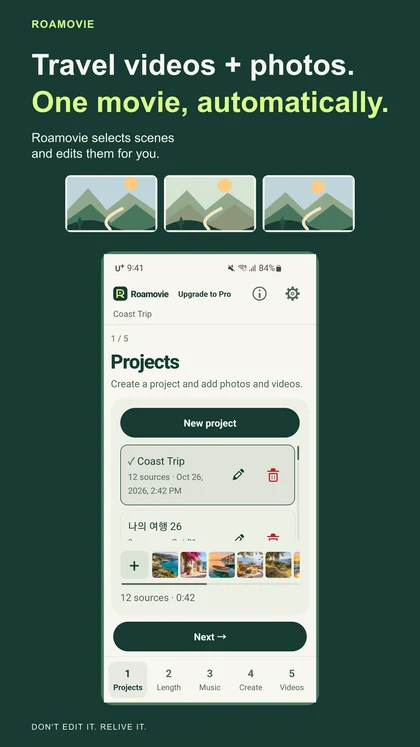
Choose your photos and videos.
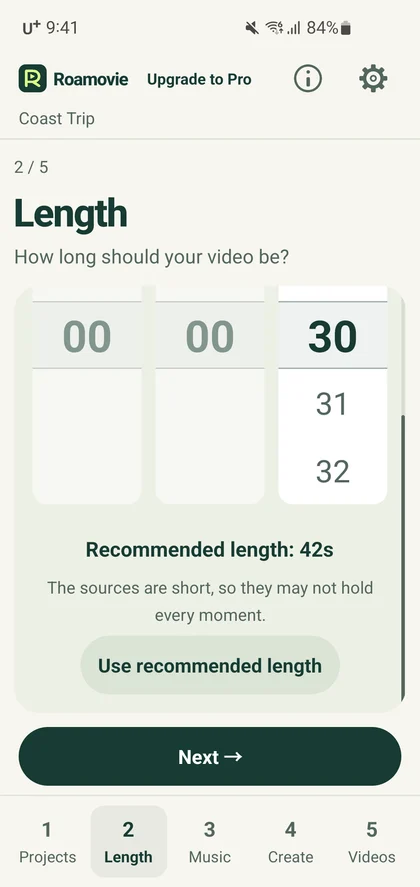
See a recommended length, or pick your own.
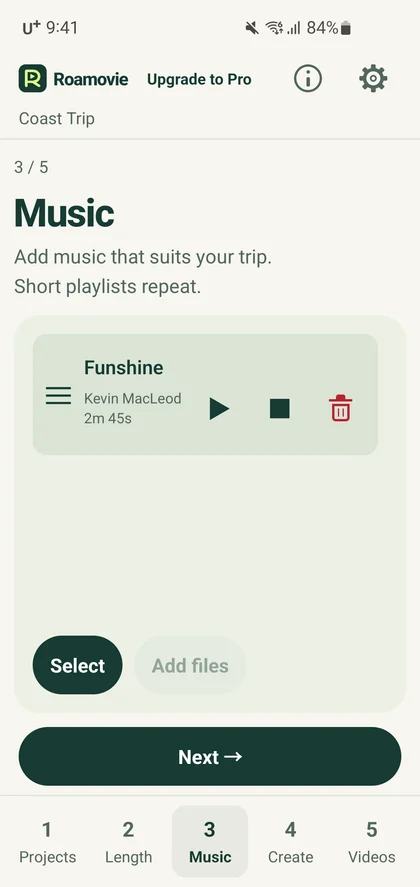
Preview, choose and arrange your music.
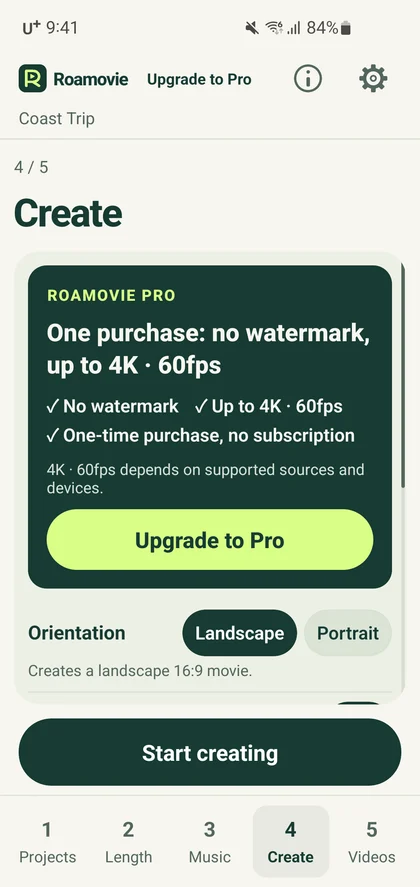
Scene selection, music and captions.
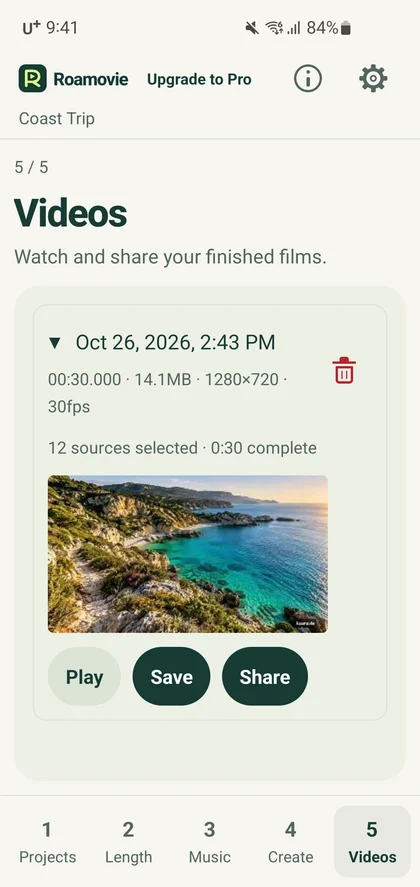
Watch, save and share your movie.
No movie count or waiting limit
Roamovie watermark
Up to 720p · 30fps
One purchase · no subscription
No watermark
Up to 4K60 with compatible sources/devices
Local prices are displayed in your store. Entitlements belong to the purchasing store account. Free and Pro use the same on-device analysis.
Purchase, restore and refund policy →Your photos, videos, scene analysis, and speech recognition are processed on your device. Roamovie does not upload them to an operator’s server.
Included music works offline. Speech models are included in the app and need no external download. See how these connections work in our privacy policy.
Create a project and add videos and photos from one trip. Roamovie handles scene selection and editing. Originals stay in your photo library.
Set a target length or apply the suggested length. Start with included music and the free output settings for your first movie.
Start making and keep the app open, especially during final export. Play your finished movie to check it, then save it or open the share options.