 Roamovie
 press kit for travel writers
Roamovie picks scenes from a traveler's own videos and photos and edits them into one movie on the phone. If you're covering travel photography or writing about ways to use the footage you bring home, here's a test you can run with your own camera roll.
One trip, two cuts
Pick a few photos and at least two minutes of footage from a single outing. Before opening the app, write down the moment you hope makes the cut. Make a 30-second movie, then a 60-second one from the same files. Which cut kept that moment? Look at what happened around it, too. How did it get from a video of the train pulling away to a still of the platform sign?
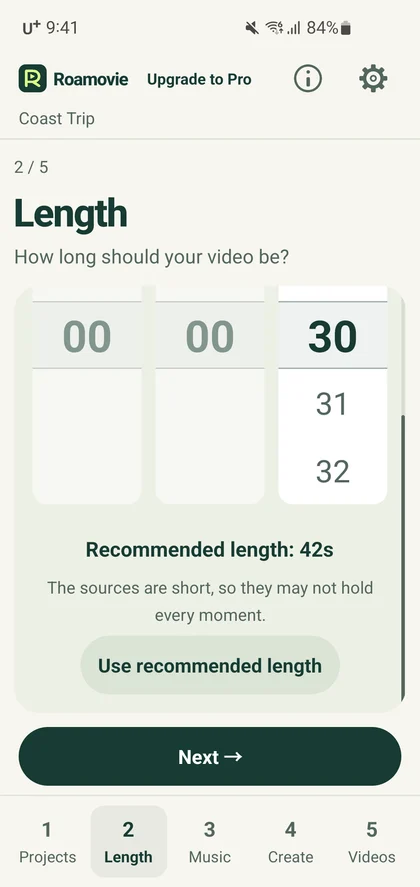
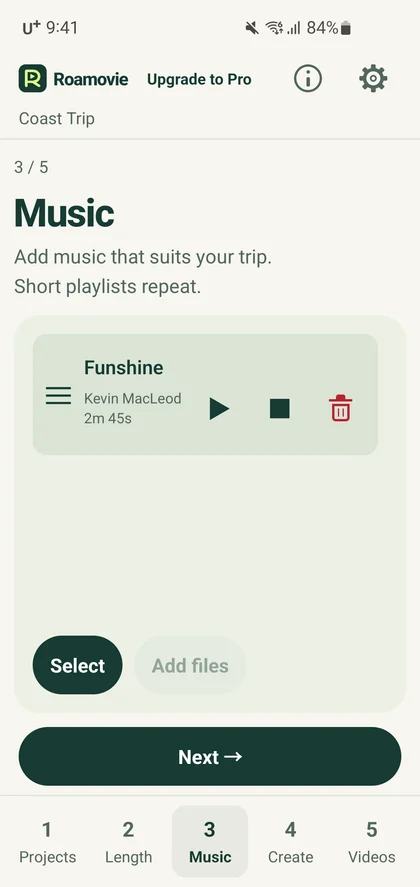
You decide which files to include, how long the movie should play and what music to use. The app chooses the scenes within those files. A 30-second target describes the finished movie. Editing time depends on the phone and the footage.
If Android 0.1.0 stops with search_incomplete, go back to Length in the same project, pick a different duration, and try again. See the first-movie guide for an example.
Trying this with a clip or photo that has no capture date? Android version 0.1.0 can show the wrong trip day. Before making either cut, open Create and turn off Show day captions.
Android screens and a sample export
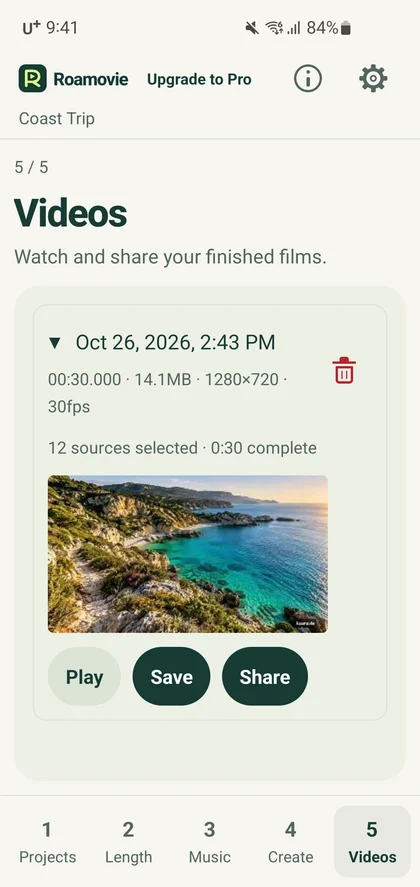
Watch the 44-second walkthrough with English captions. It uses edited screen captures from a development build running on a Samsung Galaxy S10e (SM-G970N, Android 12). At 0:32 you'll see a movie exported by the app from a separate demo project. The travel scenery in the sample is AI-generated.
These English-language screens were captured on the same phone model. Open an image for a closer look.
Availability and pricing
Get Roamovie on Google Play. The free version exports unlimited movies at up to 720p and 30 fps, with a Roamovie watermark. An optional one-time Pro purchase removes the watermark and supports up to 4K at 60 fps with compatible source files and devices.
Video and photo analysis runs on the device. See the privacy policy or follow the step-by-step guide.
Press contact
For fact-checks, interviews or image requests, including permission for your intended use, contact support@roamovie.com.